Search near the trip
Look for places around the destination or stay, then filter by type and area so the list stays useful.


Awaii helps the group discover nearby places, peek results, and save them as ideas. Paste a Booking, Airbnb, or Google Maps link when you already have something you like.
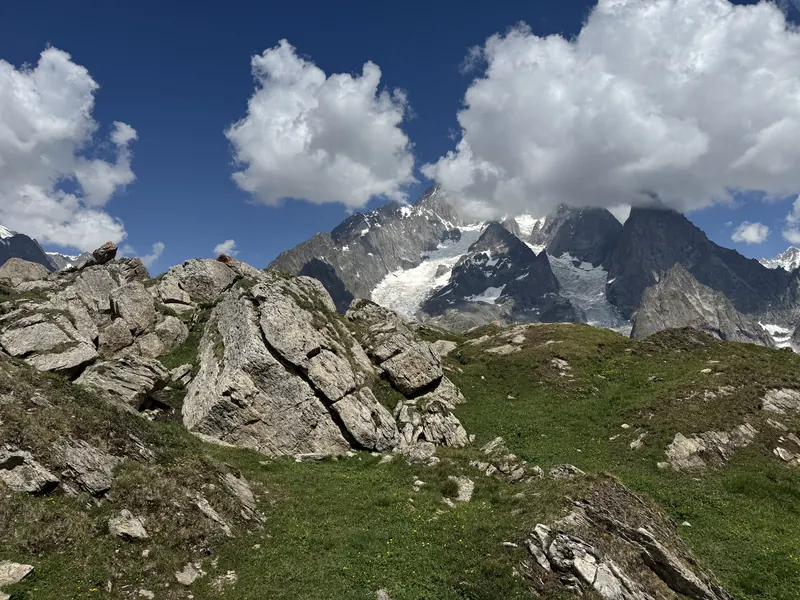
Good trip ideas show up while you are still deciding. Explore keeps those finds on the shared board instead of leaving them in chat, tabs, or someone’s camera roll.
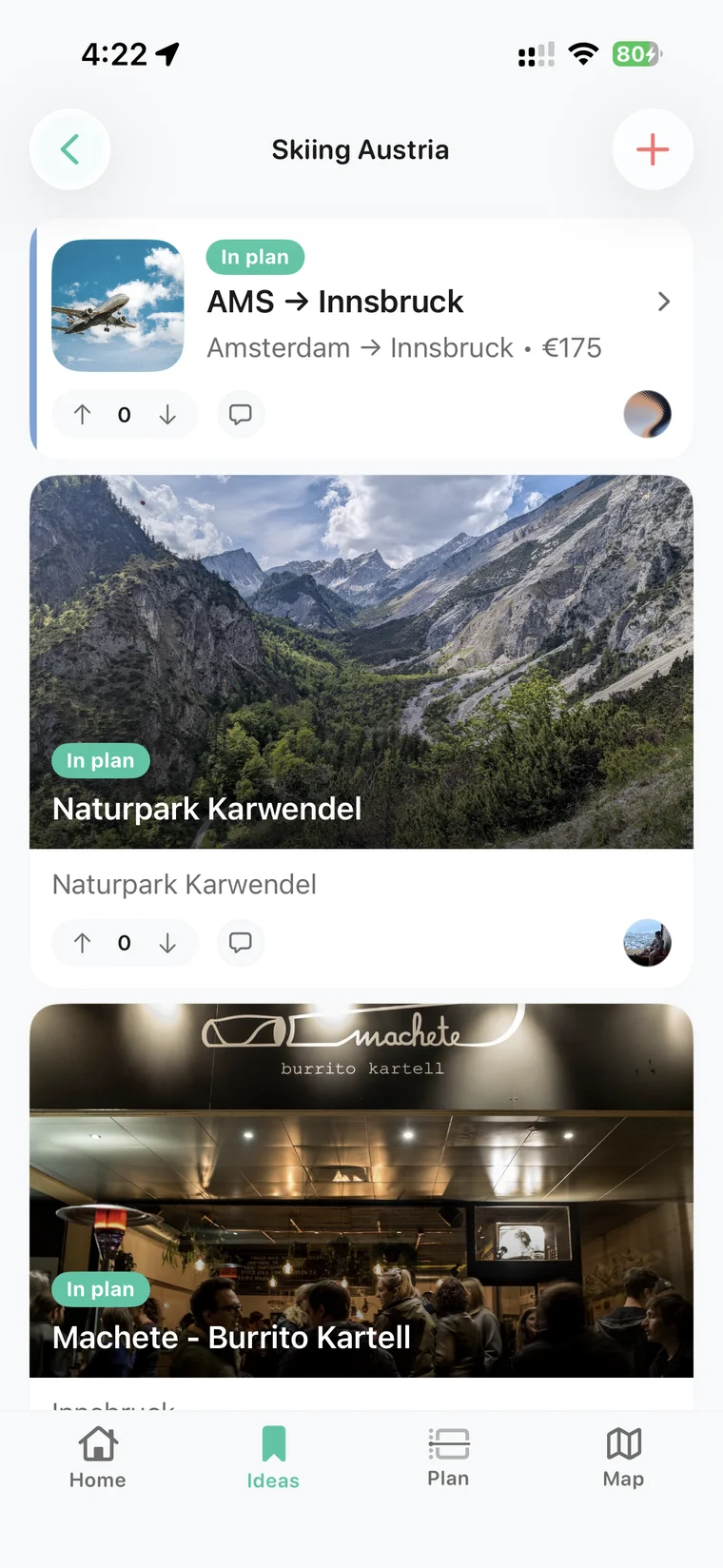
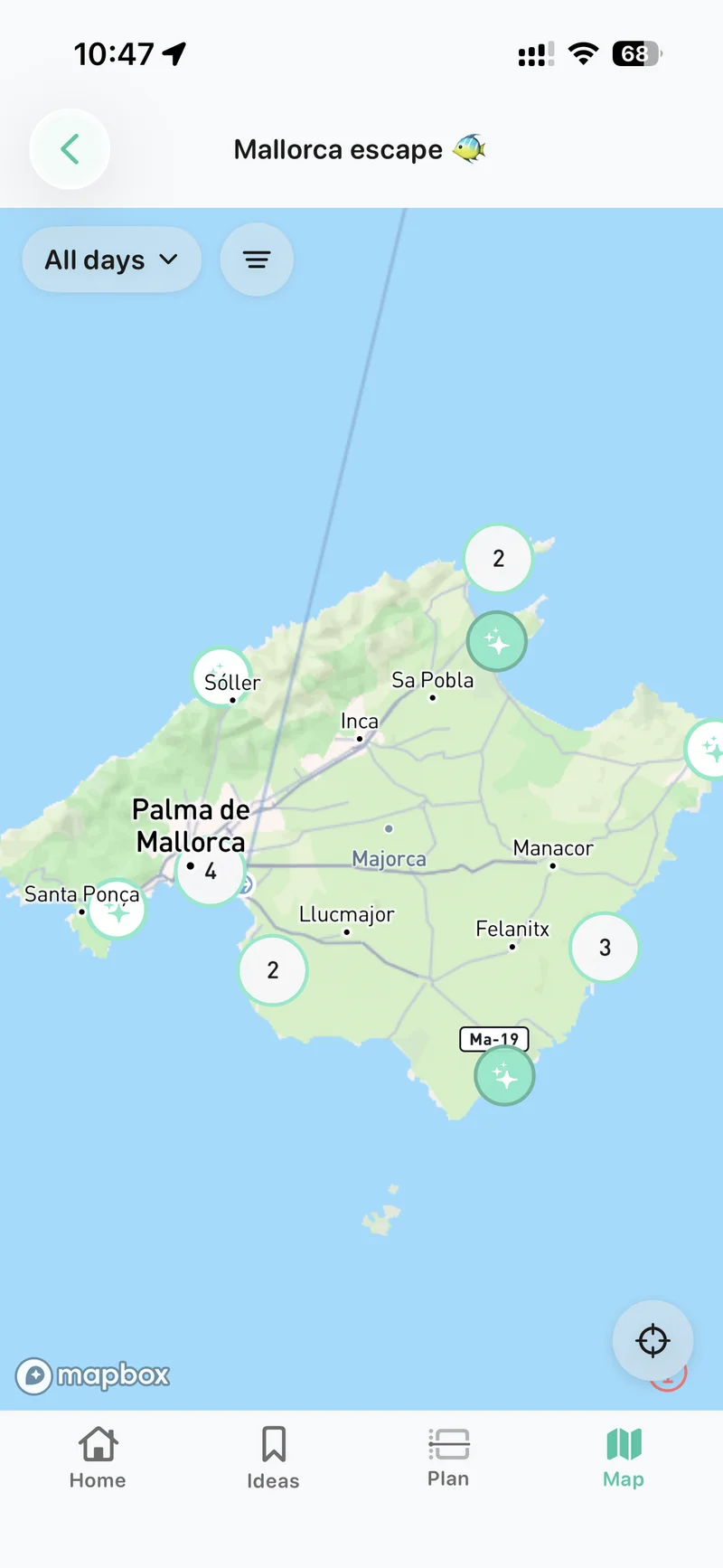
Look for places around the destination or stay, then filter by type and area so the list stays useful.
Open a result quickly, see whether it belongs, and add it as an idea without rebuilding a card from scratch.
Drop in a Booking, Airbnb, or Google Maps link. The stay or place should join the board, not start a new thread.
Explore is for the messy middle. A cafe, a neighborhood, or a stay can sit on the board while the group is still choosing. That keeps options alive without forcing every find onto the itinerary.
When something is worth comparing, it can move into the shared planner next to dates, votes, and the current itinerary.
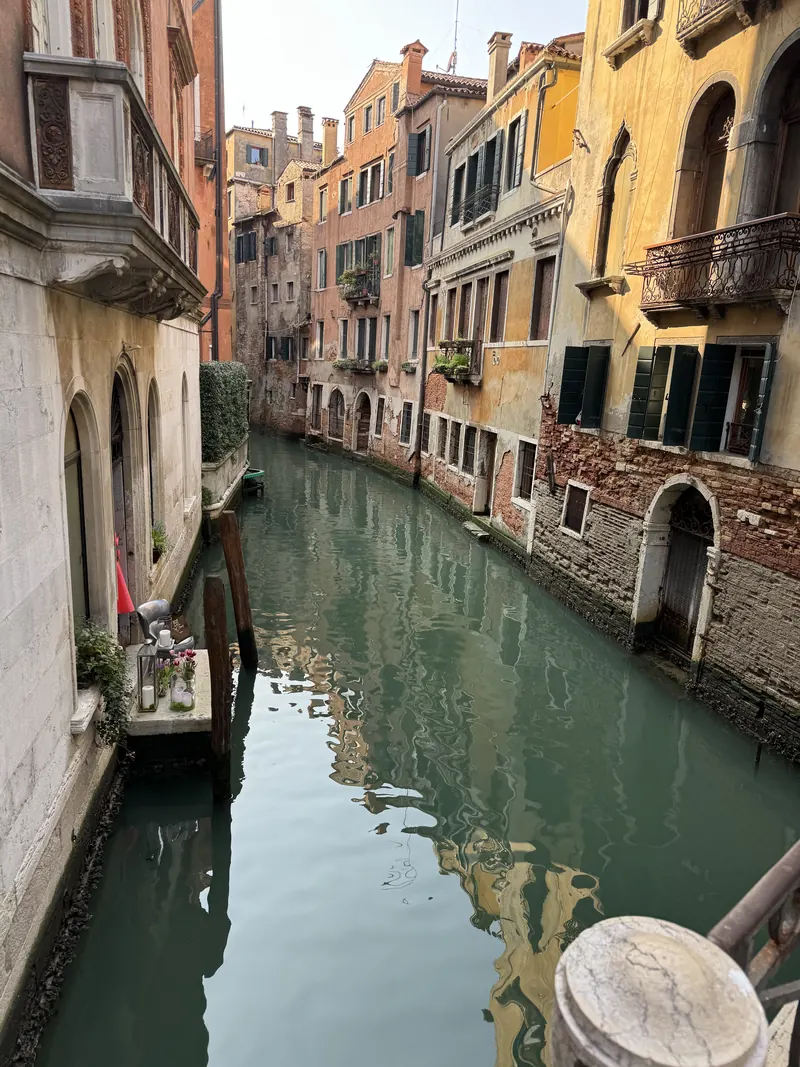
How to keep maybes useful before the itinerary is final.
EssentialsPacking, to-dos, and notes that stay with the trip.
ItineraryWhere chosen places go once they become part of the plan.
NewsThe full story of Explore, Essentials, costs, and dates together.
Use Explore to search and filter places near the trip, peek a result, and add it as an idea on the shared board.
Yes. You can add stays and places by pasting Booking, Airbnb, or Google Maps links instead of rebuilding the idea by hand.
Not automatically. Places stay as ideas until the group chooses them, so maybes do not clutter the confirmed plan.
Yes. You can save links and nearby options while the group is still comparing areas, stays, and neighborhoods.
Download Awaii and save nearby places or pasted links before they disappear into chat.